Room booking software for meeting rooms and shared office spaces
Make shared rooms easier to book, easier to manage and easier to keep in use, without the admin overhead.
Book a demo
Make room booking simpler for occupiers and easier to manage for your team
- Reduce time spent coordinating room bookings manually
- Keep availability, schedules and changes in one place
- Prevent clashes and double-bookings
- Make shared rooms easier to use and easier to manage
- Gain clearer visibility into room demand and usage patterns

Manage meeting rooms and shared office spaces in one place

Meeting rooms

Conference and bookable shared spaces
Larger rooms and shared spaces used for presentations, workshops, group sessions and other scheduled activities.

Shared office facilities
How room booking works with Locale

Occupiers check availability and book in seconds
Users can view real-time availability and reserve the space they need from their phone or desktop, without waiting for manual confirmation.

Manage schedules, rules and block-outs from one dashboard
Your team can organise room availability, add manual bookings, block spaces out for maintenance and update rules from one place.
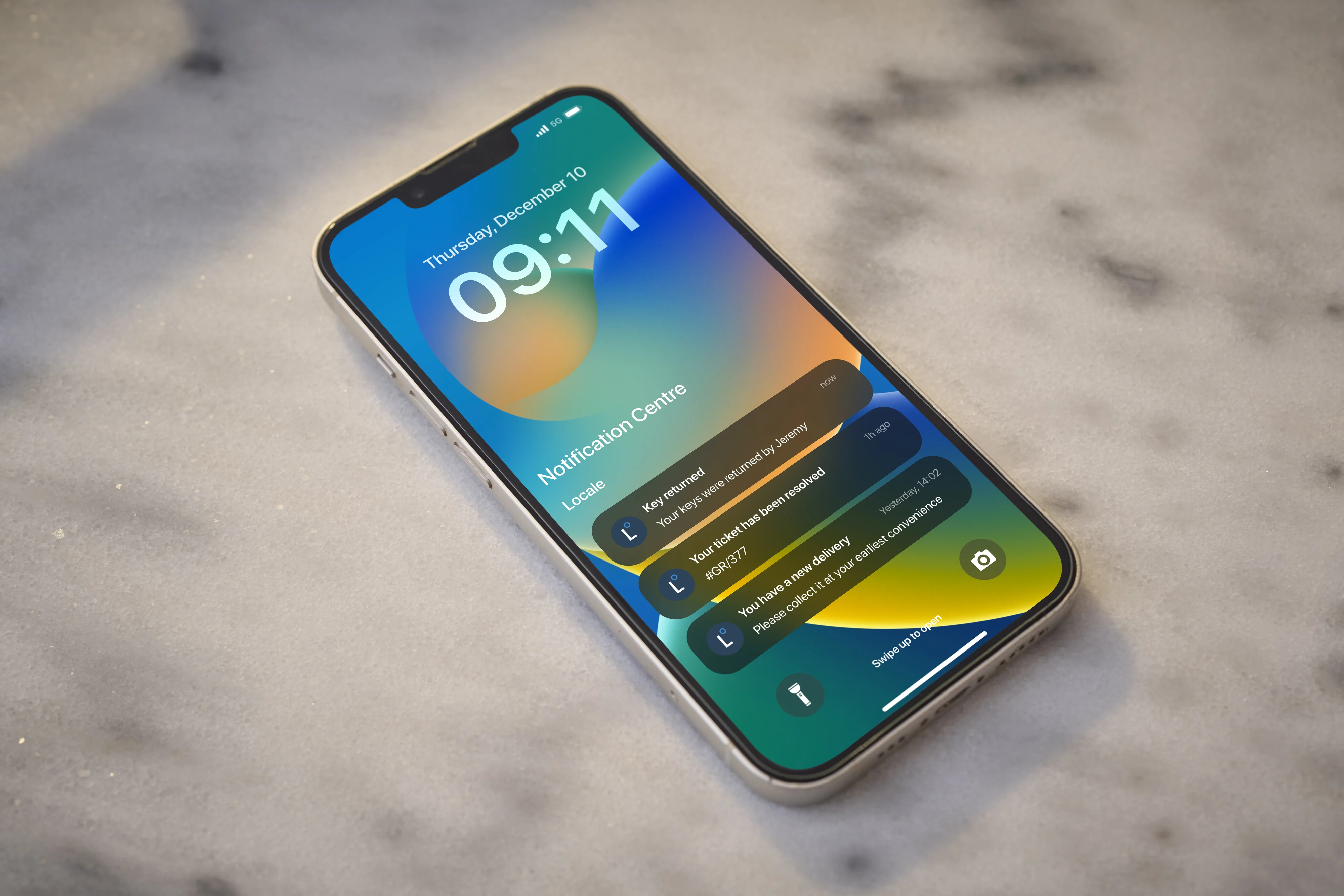
Automated reminders reduce missed bookings
Users receive reminders ahead of upcoming bookings, helping reduce no-shows and making shared space use more reliable.

Keep room use visible and manageable
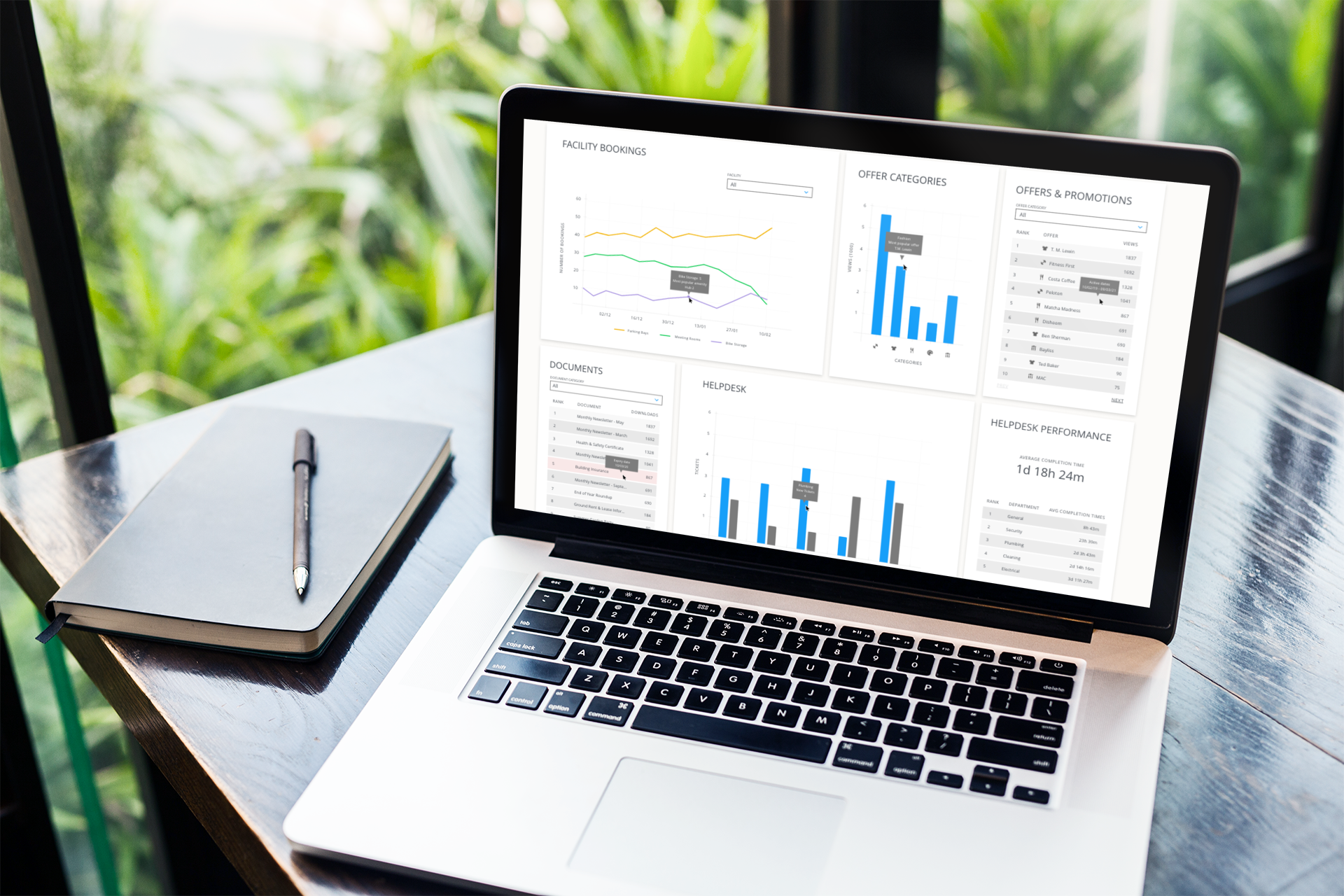
Locale helps teams see what has been booked, when demand is highest and which spaces are used most often, so room allocation and scheduling decisions are easier to make.
Everything your team needs to manage room booking properly
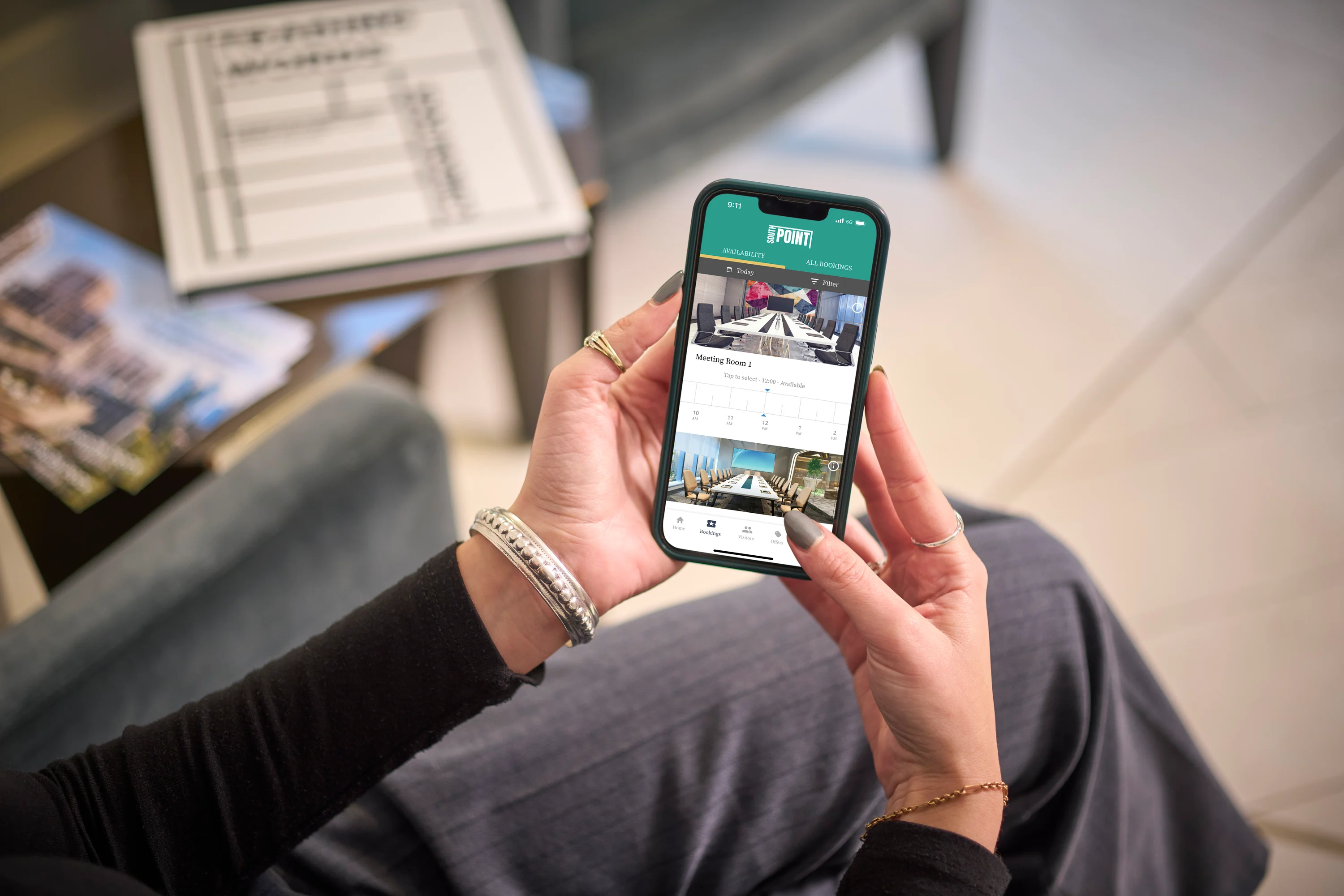
Mobile and desktop booking
Give occupiers a straightforward way to reserve shared rooms without relying on manual coordination.
Availability and scheduling management
Keep room schedules, booking changes and maintenance block-outs in one place, accessible to the team.
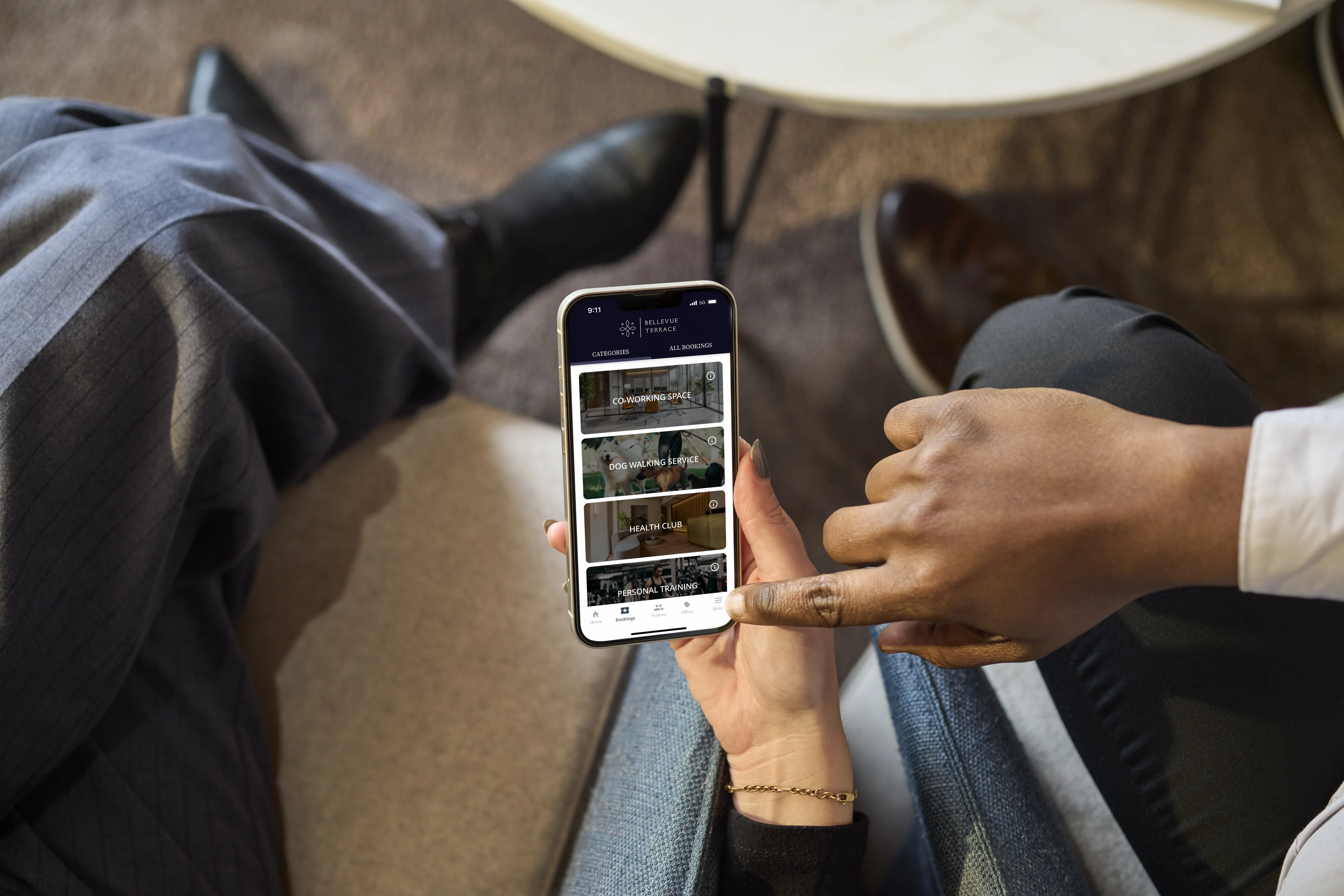
Automated reminders and notifications
Reduce missed bookings and keep communication clearer without repeated manual follow-up.
Calendar and room display integrations
Fit room booking into existing workflows with support for Google Calendar, Microsoft 365 and room display tools such as Joan.
Clash prevention and booking visibility
Prevent double-bookings automatically and keep a clear record of who booked what and when.

Custom branding
Keep the booking experience aligned with the building’s or workspace’s own identity across the platform and app.
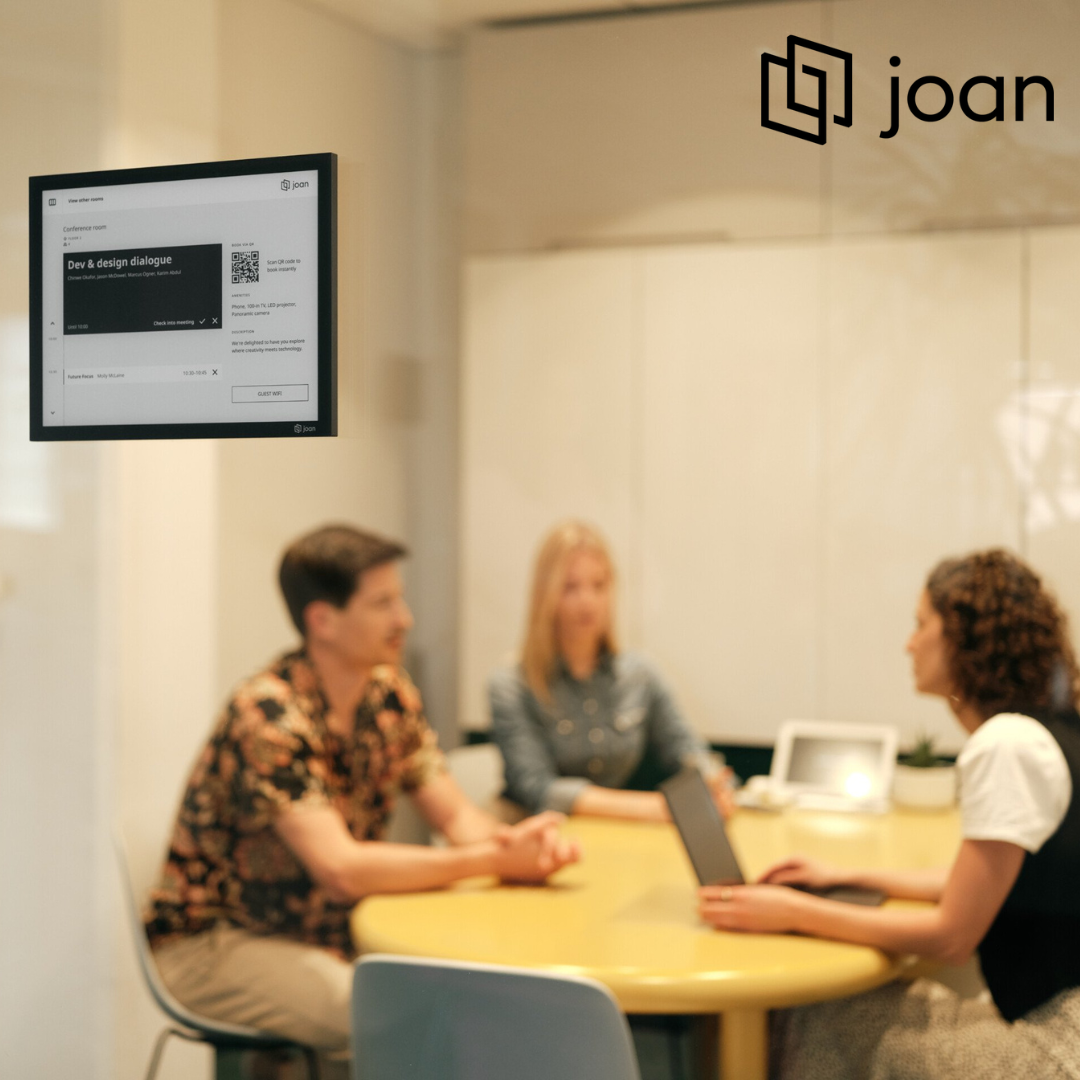
Connect room booking with room displays
Joan displays sit outside meeting rooms and show whether a room is available, who it is booked for and how long the booking lasts. This helps reduce confusion around occupied rooms, prevents awkward interruptions and gives occupiers clearer confidence that the room they have booked is ready to use.
Used alongside Locale, room display integration helps connect the digital booking journey with the physical space, so availability is clearer both in the app and outside the room.
Understand how shared rooms are actually used
- See which rooms are most popular
- Understand peak demand times
- Identify underused spaces
- Support better allocation of shared rooms
- Make room management decisions with clearer data
Trusted by commercial and mixed-use buildings
Frequently asked questions about room booking

What is a room booking system?
A room booking system is software that helps occupiers and building teams manage meeting rooms and shared spaces more clearly. It gives users a self-serve way to check availability and reserve rooms, while giving teams one place to manage schedules, booking rules and day-to-day room administration.

What kinds of rooms can Locale manage?
Locale can support meeting rooms, conference rooms and other shared office spaces that need clear scheduling and easy reservation. The exact setup can be tailored to the building and the kinds of spaces being managed.

Can Locale prevent double-bookings?
Yes. Locale is designed to keep room availability visible and prevent clashes by ensuring the same room cannot be reserved for conflicting times.

Can teams block rooms out for maintenance or internal use?
Yes. Building teams can update room availability, add manual bookings and block spaces out for maintenance, internal events or other operational needs, helping keep live availability accurate and easier to trust.

Does Locale integrate with calendars?
Yes. Locale integrates with tools such as Google Calendar and Microsoft 365, helping room booking fit more easily into existing workflows.

Does Locale integrate with room display systems?
Yes. Locale can integrate with Joan, a room display system that sits outside meeting rooms and shows live room availability, booking details and booking duration. This helps occupiers see whether a room is free or booked before they enter, reducing confusion and interruptions around shared meeting spaces.

How does room booking differ from Locale’s amenity booking system?
Locale’s room booking system is designed for meeting rooms and shared office-style spaces that need clear scheduling and clash prevention. The Locale amenity booking system is better suited to shared facilities such as gyms, lounges, terraces and other communal resident or occupier amenities. Both can sit within the same wider platform, but they serve different types of spaces and different operational needs.